
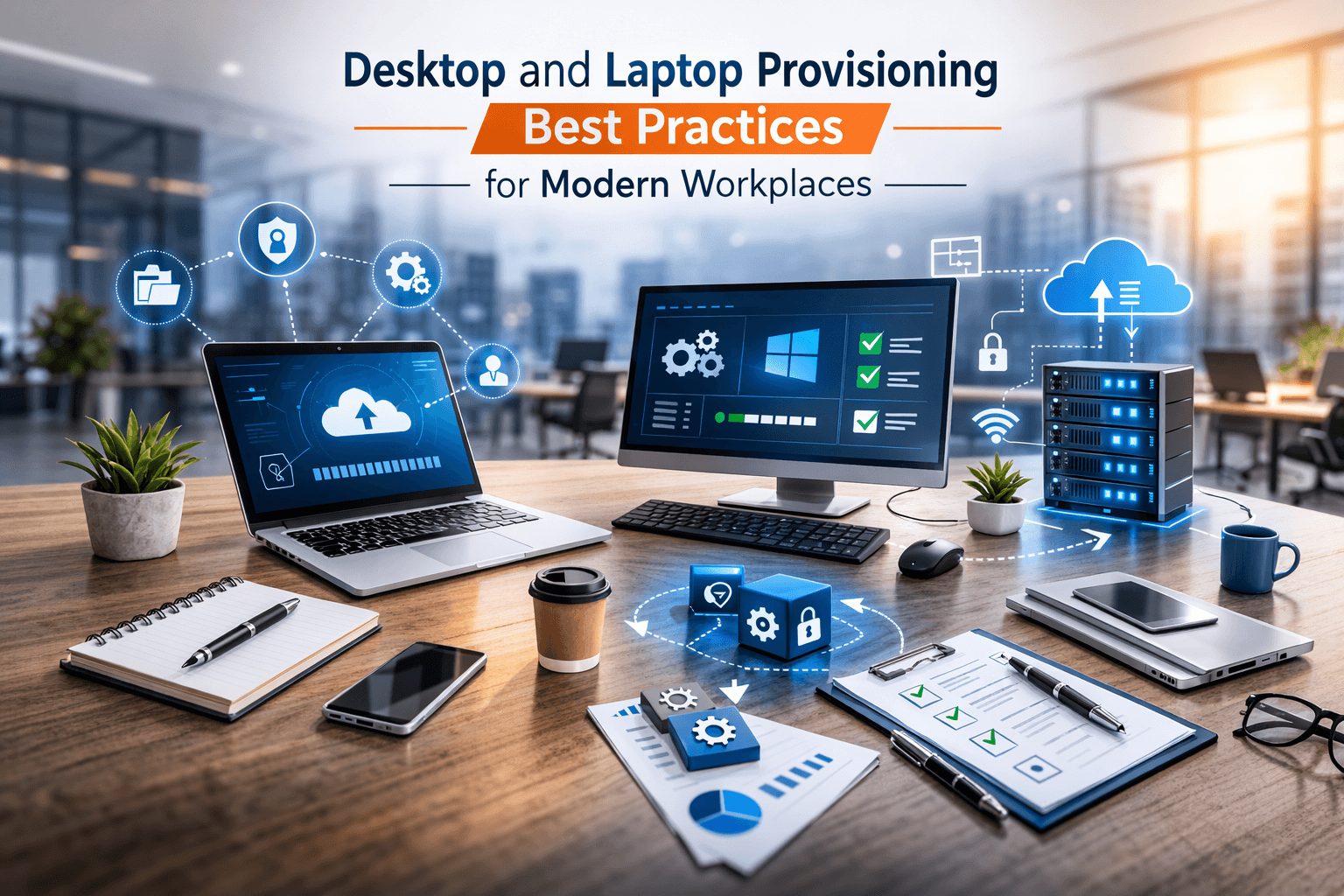
Desktop and Laptop Provisioning Best Practices for Modern Workplaces
Why Efficient Device Provisioning Matters
In today’s hybrid and digital first workplaces, end-user computing devices desktops and laptops are the foundation of employee productivity. Poor provisioning processes can lead to:
- Delays in employee onboarding
- Security vulnerabilities due to outdated configurations
- Increased IT support workload
- Reduced productivity and collaboration
Efficient device provisioning ensures that employees receive fully configured, secure, and ready-to-use devices on day one, while IT teams maintain control over management, security, and compliance.
Key Steps in Desktop and Laptop Provisioning
A structured provisioning process streamlines deployment, reduces errors, and enhances security. The main steps include:
1. Device Selection and Procurement
- Choose devices that meet business needs and user roles
- Standardize hardware to simplify management and reduce support complexity
- Consider durability, portability, and compatibility with enterprise applications
2. Pre-Configuration and Imaging
- Apply standardized operating system images to all devices
- Pre-install required applications, drivers, and security tools
- Configure network access, VPNs, and Wi-Fi settings
3. Security Hardening
- Apply endpoint protection and antivirus solutions
- Enforce encryption for data at rest and in transit
- Configure firewalls, access controls, and patch management policies
4. User Setup and Testing
- Verify that applications run correctly
- Ensure accounts, permissions, and profiles are configured accurately
- Test connectivity to corporate networks, cloud services, and printers
5. Documentation and Handover
- Record device details, serial numbers, and configurations
- Provide users with instructions for device usage and IT support contacts
- Ensure IT inventory and asset management systems are updated
Best Practices for Modern Device Management
- Automate where possible: Use deployment tools like Microsoft Endpoint Manager, Intune, or JAMF to streamline provisioning.
- Maintain standardized images: Reduces setup time and ensures consistent security policies.
- Include remote onboarding: Prepare devices for hybrid employees or remote workers.
- Implement lifecycle management: Track devices from procurement to retirement to maintain compliance and reduce waste.
- Regular patching and updates: Keep devices secure and up to date with the latest software versions.
Leveraging Virtual Desktop Infrastructure (VDI)
VDI can complement traditional provisioning, particularly for remote or flexible workplaces:
- Centralized desktops hosted on secure servers
- Rapid deployment and consistent configurations
- Easier management of security, updates, and backups
Example: A company with 200 remote employees used VDI to deploy secure virtual desktops in hours instead of days, reducing IT workload and improving security.
Real-World Example
A fast-growing software company struggled with onboarding delays and inconsistent device configurations. By implementing:
- Standardized laptops with pre-configured images
- Automated deployment tools for remote users
- Centralized device management with patching and updates
The company reduced setup time from 5 days to 24 hours per employee, improved security compliance, and minimized IT support tickets.
Conclusion
Efficient desktop and laptop provisioning is essential for modern workplaces, ensuring devices are secure, standardized, and ready for productive use. By following structured provisioning steps and leveraging automation tools, IT teams can support business growth, improve employee satisfaction, and maintain control over IT assets.
Ready to streamline your device provisioning and enhance workforce productivity?
👉 Contact us today to design and implement end-user computing solutions tailored to your organization.