
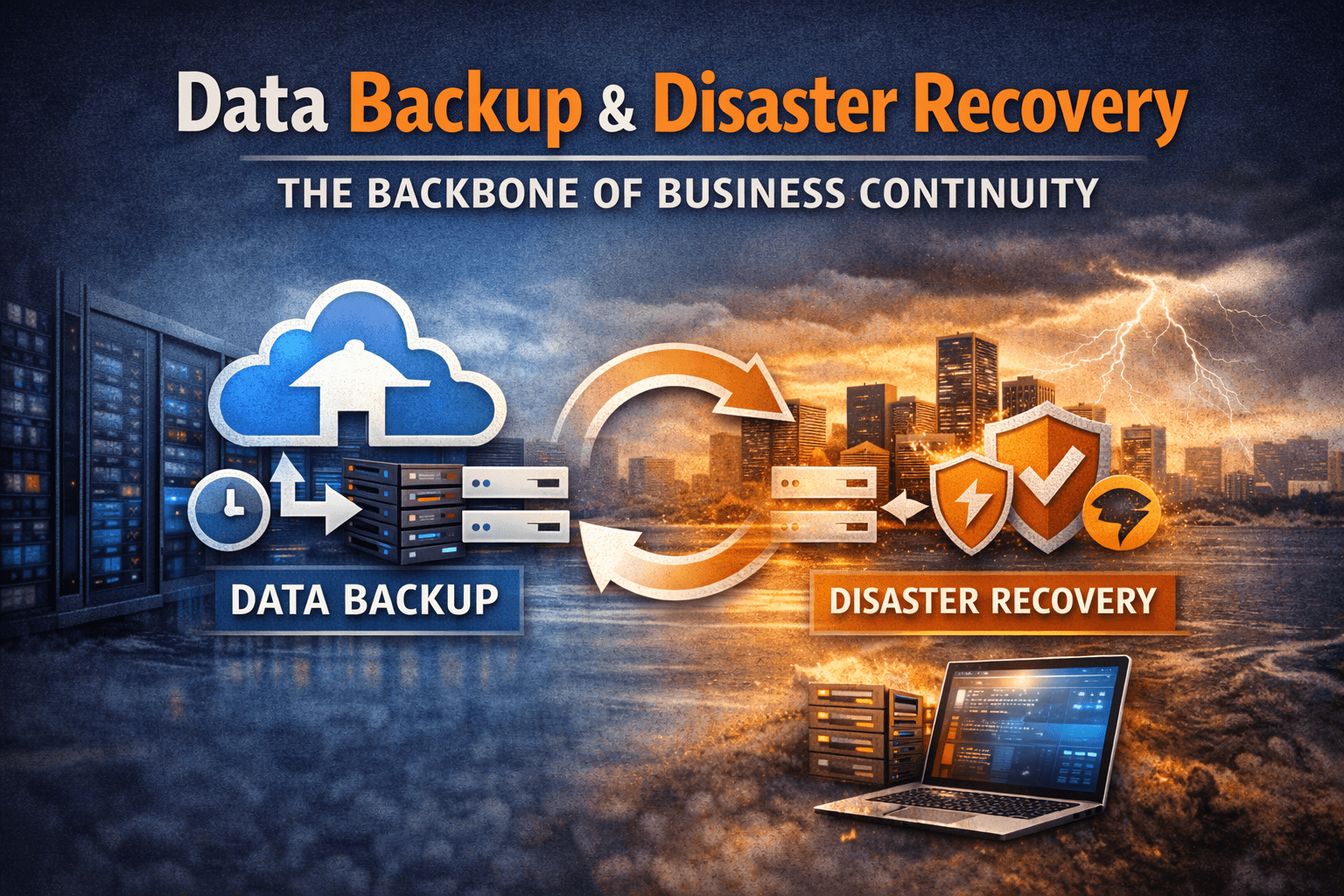
Data Backup and Disaster Recovery: The Backbone of Business Continuity
In today’s digital first world, data is the lifeblood of nearly every organization. From customer records and financial transactions to intellectual property and operational data, businesses rely heavily on information to function effectively. However, cyberattacks, hardware failures, human error, and natural disasters can strike at any moment, putting critical data at risk.
Without a reliable data backup and disaster recovery strategy, businesses may experience prolonged downtime, financial losses, compliance violations, and reputational damage. According to numerous industry reports, many organizations that lose critical data without proper backup systems struggle to recover fully.
This is why Data Backup and Disaster Recovery (BDR) has become a fundamental pillar of business continuity planning. A well-designed strategy ensures that companies can quickly recover operations, protect sensitive information, and maintain compliance with regulatory requirements.
In this article, we’ll explore what data backup and disaster recovery mean, why they matter, best practices for implementing them, and a real-world example of how effective planning can save an organization from catastrophic loss.
Understanding Data Backup and Disaster Recovery
Although the terms are often used together, data backup and disaster recovery serve different purposes.
What is Data Backup?
Data backup refers to the process of creating copies of data and storing them in secure locations so that the information can be restored in the event of data loss or corruption.
Backups can be stored in multiple locations such as:
- On-premise storage systems
- External drives
- Network-attached storage (NAS)
- Offsite data centers
- Cloud storage platforms
Backup strategies typically include several types:
Full Backup
A complete copy of all data in the system. While it provides the most comprehensive recovery capability, it can require significant storage and time.
Incremental Backup
Only the data that has changed since the last backup is copied. This reduces storage space and speeds up backup operations.
Differential Backup
This stores data that has changed since the last full backup, offering a balance between speed and restoration simplicity.
What is Disaster Recovery?
Disaster recovery (DR) refers to the process of restoring systems, infrastructure, and data after a disruptive event such as:
- Cyberattacks (ransomware, malware)
- Server failures
- Power outages
- Natural disasters
- Human errors
- Data corruption
While backups focus on preserving data, disaster recovery focuses on restoring operations quickly.
A disaster recovery plan typically includes:
- Recovery procedures
- Infrastructure redundancy
- Failover systems
- Recovery time objectives (RTO)
- Recovery point objectives (RPO)
Together, backup and disaster recovery ensure that businesses can maintain operational continuity even during major disruptions.
Why Data Backup and Disaster Recovery Are Critical for Business Continuity
Organizations today operate in an environment where downtime can be extremely costly.
1. Protecting Business Continuity
Unexpected disruptions can halt operations instantly. Whether it’s a ransomware attack or hardware failure, losing access to critical systems can prevent employees from performing essential tasks.
Backup and disaster recovery systems allow organizations to:
- Restore data quickly
- Maintain access to critical applications
- Resume operations with minimal downtime
This capability is vital for maintaining customer trust and operational stability.
2. Compliance and Regulatory Requirements
Many industries must comply with strict regulations regarding data protection and availability.
Examples include:
- Financial services
- Healthcare
- Government organizations
- Legal institutions
Regulations often require:
- Data retention policies
- Secure storage
- Recovery procedures
- Regular backup testing
Failure to comply can result in legal penalties, audits, or loss of certifications.
A strong backup and disaster recovery framework helps businesses meet these compliance requirements while safeguarding sensitive data.
3. Protection Against Cyber Threats
Cyberattacks such as ransomware have become increasingly sophisticated.
Attackers may encrypt critical data and demand payment for its release. Without a secure backup, organizations may have no option but to pay the ransom or lose their data permanently.
With a reliable backup strategy:
- Data can be restored without paying attackers
- Systems can be rebuilt quickly
- Business disruption is minimized
This makes backup and disaster recovery a key component of cybersecurity strategy.
4. Reducing Financial Loss
Downtime can be extremely expensive.
Costs associated with system outages may include:
- Lost productivity
- Revenue loss
- Customer dissatisfaction
- Regulatory fines
- IT recovery expenses
A well prepared disaster recovery plan significantly reduces these risks by ensuring rapid restoration of systems and data.
Best Practices for Data Backup and Disaster Recovery
Implementing an effective strategy requires more than simply copying files. Businesses must adopt a comprehensive approach that ensures reliability, security, and scalability.
1. Follow the 3-2-1 Backup Rule
One of the most widely recommended strategies is the 3-2-1 rule:
- Keep 3 copies of data
- Store them on 2 different media types
- Maintain 1 copy offsite
For example:
- Primary data on servers
- Backup on local storage
- Additional backup in the cloud
This ensures redundancy and protects against multiple failure scenarios.
2. Automate Backup Processes
Manual backups are prone to human error and inconsistency.
Automation ensures that backups occur:
- Regularly
- On schedule
- Without manual intervention
Automated systems can also monitor backup success and alert administrators if failures occur.
3. Encrypt Backup Data
Backup files often contain sensitive business information.
To protect this data from unauthorized access:
- Use strong encryption
- Implement access controls
- Secure backup storage locations
Encryption ensures that even if backup data is compromised, it cannot be easily accessed.
4. Test Backup and Recovery Regularly
One of the most common mistakes organizations make is failing to test their backups.
A backup is only valuable if it can actually be restored.
Regular testing ensures:
- Data integrity
- Recovery procedures are functional
- Staff understand recovery processes
Testing should simulate real disaster scenarios whenever possible.
5. Define RTO and RPO
Every organization should establish clear recovery objectives:
Recovery Time Objective (RTO)
The maximum acceptable time to restore systems after a disruption.
Example:
A company may define an RTO of 2 hours, meaning operations must be restored within that timeframe.
Recovery Point Objective (RPO)
The maximum acceptable amount of data loss measured in time.
Example:
An RPO of 30 minutes means backups must occur frequently enough to limit data loss to 30 minutes of activity.
These metrics guide infrastructure planning and backup frequency.
6. Implement Cloud-Based Backup Solutions
Cloud backup solutions have become increasingly popular because they offer:
- Scalability
- Geographic redundancy
- Automatic updates
- Reduced infrastructure costs
Cloud platforms can also support disaster recovery as a service (DRaaS), allowing businesses to restore systems in remote environments quickly.
Real-Life Example: A Ransomware Attack Recovery
A mid-sized financial services company experienced a ransomware attack that encrypted critical databases and operational systems.
Employees were suddenly unable to access:
- Customer records
- Transaction histories
- Internal applications
The attackers demanded a large ransom payment to restore access.
Fortunately, the company had implemented a comprehensive backup and disaster recovery strategy.
Their system included:
- Hourly incremental backups
- Offsite cloud storage
- Automated backup verification
- A documented disaster recovery plan
Instead of paying the ransom, the company executed its recovery procedures.
Within hours:
- Clean systems were restored
- Data was recovered from the most recent backup
- Business operations resumed
Although the attack caused temporary disruption, the organization avoided financial loss and prevented sensitive customer data from being compromised.
This example demonstrates how preparedness can transform a potentially catastrophic event into a manageable incident.
Building a Strong Disaster Recovery Plan
A robust disaster recovery plan should include several critical components.
Risk Assessment
Identify potential threats such as:
- Cybersecurity incidents
- Hardware failures
- Environmental risks
- Human error
Understanding risks helps prioritize protection strategies.
Data Classification
Not all data requires the same level of protection.
Organizations should categorize data based on:
- Sensitivity
- Importance
- Recovery priority
Critical systems should receive the highest level of redundancy and protection.
Documentation and Procedures
Recovery procedures should be clearly documented so that teams can respond quickly during emergencies.
Documentation should include:
- Contact lists
- Recovery steps
- System dependencies
- Infrastructure diagrams
Employee Training
Technology alone cannot guarantee successful recovery.
Employees must be trained to:
- Recognize threats
- Follow response procedures
- Execute recovery plans
Regular drills help ensure preparedness across the organization.
Conclusion
Data loss and system disruptions are not a matter of if, but when. Businesses that fail to prepare for these events risk severe financial, operational, and reputational consequences.
A comprehensive data backup and disaster recovery strategy ensures that organizations can withstand unexpected disruptions while maintaining operational continuity.
By implementing reliable backup solutions, defining recovery objectives, testing recovery processes, and integrating cloud technologies, businesses can significantly strengthen their resilience.
In an era where data drives every aspect of operations, protecting that data is not simply an IT responsibility it is a critical business priority.
Protect Your Business Before Disaster Strikes
Data loss can happen in seconds, but recovery without preparation can take weeks—or may not be possible at all.
Organizations that invest in robust backup and disaster recovery strategies are far better equipped to protect their data, maintain compliance, and ensure uninterrupted business operations.
If your organization has not yet implemented a comprehensive backup and disaster recovery plan, now is the time to act.
Evaluate your current infrastructure, identify vulnerabilities, and implement modern backup solutions that provide the reliability, scalability, and security your business needs.
Because when disaster strikes, preparation makes all the difference.
Have questions about backup, disaster recovery, or business continuity?
👉 Contact us to learn how we can help.