
Physical and Virtual Server Deployment: Key Considerations for Modern IT
Why Server Deployment Matters
Servers are the backbone of your IT infrastructure. Choosing the right deployment approach physical, virtual, or hybrid affects:
- Application performance and availability
- Scalability for future growth
- Security and compliance
- Operational efficiency and cost
Proper server deployment ensures reliable, flexible, and secure infrastructure for business critical operations.
Physical Server Deployment
Physical servers are dedicated machines that run applications and store data onsite.
Key considerations include:
1. Hardware Selection
- Choose CPUs, memory, and storage based on workload requirements
- Consider energy efficiency and future scalability
2. Redundancy and High Availability
- Implement redundant power supplies and network interfaces
- Use RAID configurations for storage to prevent data loss
3. Security and Access Control
- Restrict physical access to server rooms
- Implement environmental controls for temperature, humidity, and fire protection
4. Maintenance and Monitoring
- Schedule regular hardware inspections and updates
- Monitor performance metrics to prevent downtime
Virtual Server Deployment
Virtual servers run on physical hardware using a hypervisor, allowing multiple virtual machines (VMs) to share resources. Key benefits and considerations include:
1. Resource Optimization
- Maximize hardware utilization by running multiple VMs on a single physical server
- Allocate CPU, memory, and storage dynamically based on workloads
2. Scalability and Flexibility
- Easily add or remove VMs as business needs change
- Deploy new applications quickly without additional hardware
3. Backup and Disaster Recovery
- Snapshots and replication simplify recovery and backup
- Reduce downtime in case of hardware failure
4. Security
- Segment VMs to isolate workloads
- Implement monitoring and security policies at both the host and guest levels
Hybrid Server Deployments
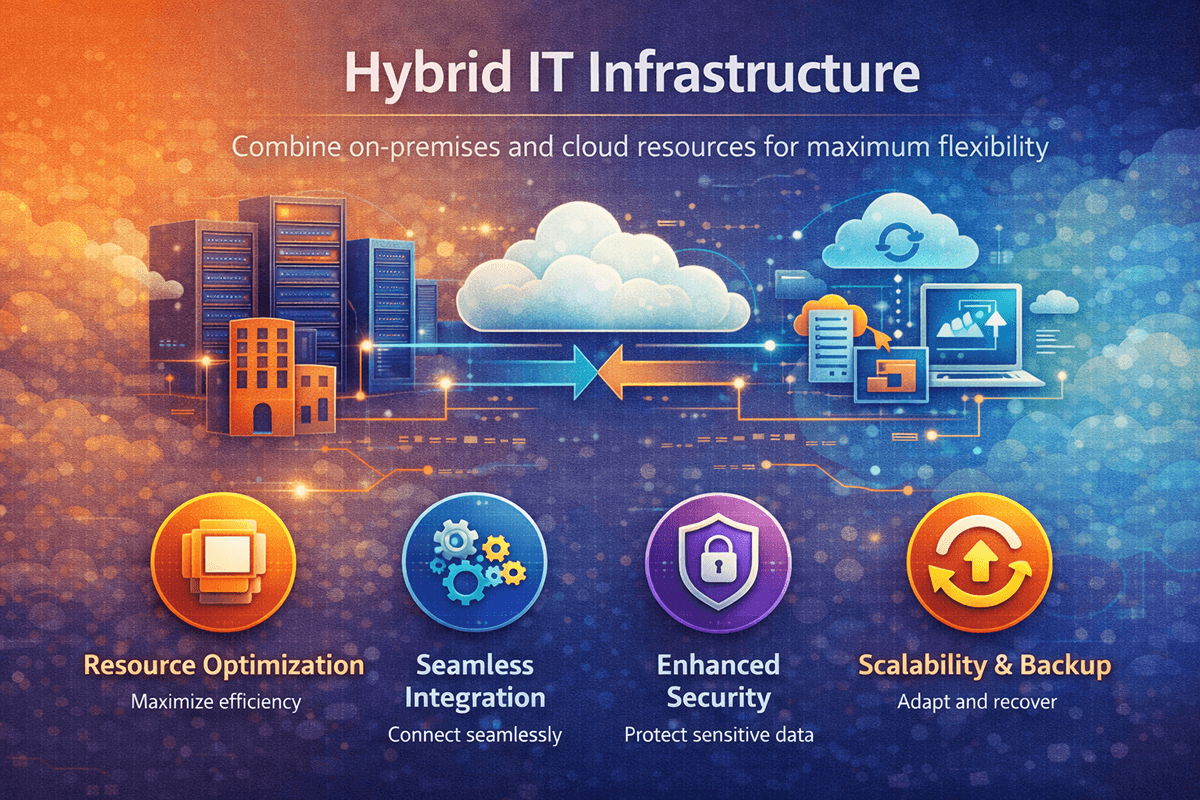
Many businesses adopt a hybrid approach, combining physical and virtual servers:
- Critical workloads or high-performance applications may run on physical servers
- Less resource intensive or flexible workloads can run on virtual servers
- Cloud integration can further extend capacity and scalability
Best Practices for Server Deployment
- Assess Workload Requirements: Identify which applications need dedicated resources and which can be virtualized
- Plan for Growth: Ensure servers can scale with business expansion
- Implement Redundancy: Avoid single points of failure with failover configurations
- Monitor Performance: Use server monitoring tools to detect bottlenecks and optimize resources
- Security and Compliance: Ensure servers meet regulatory and internal security standards
- Regular Maintenance: Update firmware, patch systems, and test backups frequently
Real-World Example
A mid-sized SaaS company deployed a hybrid server infrastructure:
- Critical databases were hosted on high performance physical servers
- Development and testing environments were virtualized
- Automated monitoring and backup solutions were implemented
The result was:
- 99.99% uptime for critical applications
- Faster deployment of new services
- Reduced IT hardware costs by 30% through virtualization
This shows that carefully planned physical and virtual server deployments optimize performance, cost, and reliability.
Conclusion
Whether you choose physical, virtual, or hybrid servers, strategic deployment is key to modern IT success. By assessing workloads, implementing redundancy, and monitoring performance, businesses can ensure high availability, security, and scalability.
Ready to deploy servers that power your business efficiently and securely?
👉 Contact us to plan and implement physical and virtual server solutions tailored to your IT needs..